Chapters and reference
Module I · Multi-sequence relationships · Section 4 of 16
1.3 Coordinates and display rules
Download R scriptIncludes preparation and every page step. File examples need the input bundle; preview and save calls are retained.
On this page
Data preparation and settings (expand)
R · Example code
p_chord_backbone <- ggchord(seq_data = seq_data_example) +
  geom_seq() +
  geom_seq_label() +
  coord_chord()
1 Orientation: start the coordinates at the other end
R · Example code
chord_orientation <- c("MT108731.1" = 1, "MT118296.1" = -1,
                       "OQ646790.1" = 1, "OR222515.1" = 1)
p_chord_orientation <- ggchord(seq_data = seq_data_example) +
  geom_seq(seq_orientation = chord_orientation) +
  geom_seq_label() +
  coord_chord()
view_ggchord(p_chord_orientation, width = 7, height = 7, units = "in")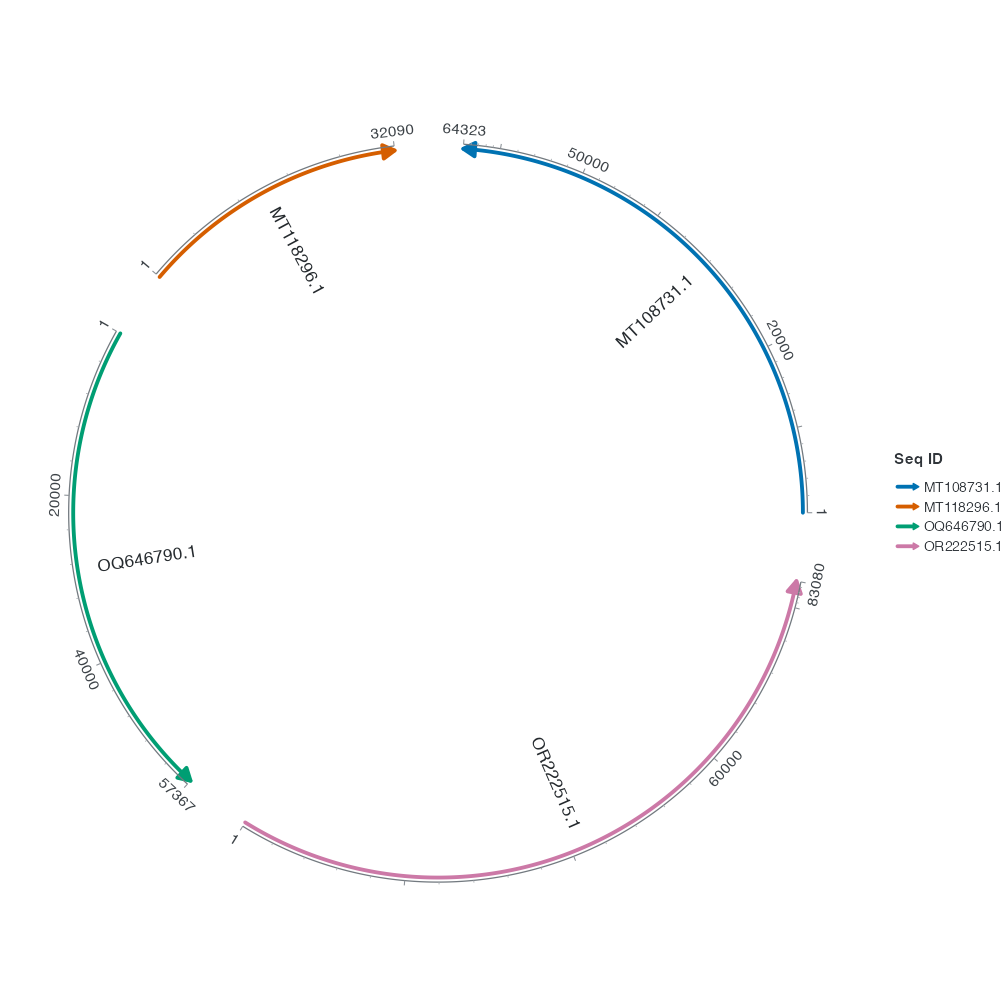
seq_orientation = -1 reverses the sequence’s display direction. Compared with the default, this backbone’s zero tick and arrow swap ends. Input coordinates and biological strands still come from the tables. The three vectors are named by sequence ID, so they still match if you reorder the sequences with seq_order.
2 Order: arrange the backbones
R · Example code
chord_order <- c("MT108731.1", "OQ646790.1", "MT118296.1", "OR222515.1")
p_chord_order <- ggchord(seq_data = seq_data_example) +
  geom_seq(seq_order = chord_order) +
  geom_seq_label() +
  coord_chord()
view_ggchord(p_chord_order, width = 7, height = 7, units = "in")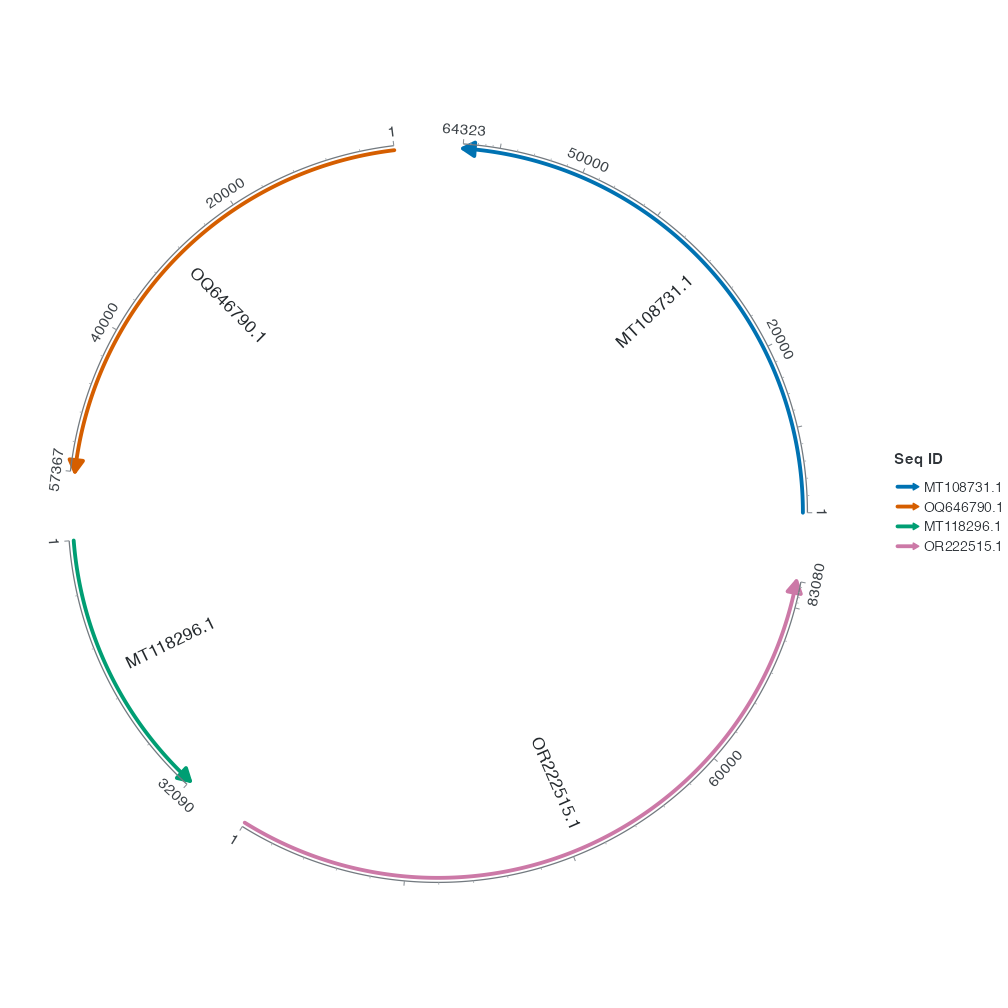
seq_order takes the sequence IDs in display order. Here OQ646790.1 moves ahead of MT118296.1. Link rows still match the same IDs after reordering.
Next, change the path and endpoint clearance of a ribbon.