Chapters and reference
Module I · Multi-sequence relationships · Section 6 of 16
1.5 Sequence names and feature labels
On this page
Data preparation and settings (expand)
R · Example code
p_chord_backbone <- ggchord(seq_data = seq_data_example) +
geom_seq() +
geom_seq_label() +
coord_chord()R · Example code
chord_links <- head(ribbon_data_example, 1)R · Example code
p_chord_ribbon <- p_chord_backbone +
geom_link_ribbon(data = chord_links)R · Example code
chord_genes_example <- subset(gene_data_example, accver == "OQ646790.1" & start == 43765)
chord_genes_example$strand <- chord_genes_example$source_strandR · Example code
p_chord_feature <- p_chord_ribbon +
geom_gene(data = chord_genes_example)Sequence names identify entire backbones. Gene names identify individual intervals. Their label layers can be adjusted separately.
1 Move sequence names inward
R · Example code
p_chord_sequence_labels <- ggchord(seq_data = seq_data_example) +
geom_seq() +
geom_seq_label(seq_label_radius = 0.7, seq_label_orientation = "horizontal") +
coord_chord()
view_ggchord(p_chord_sequence_labels, width = 7, height = 7, units = "in")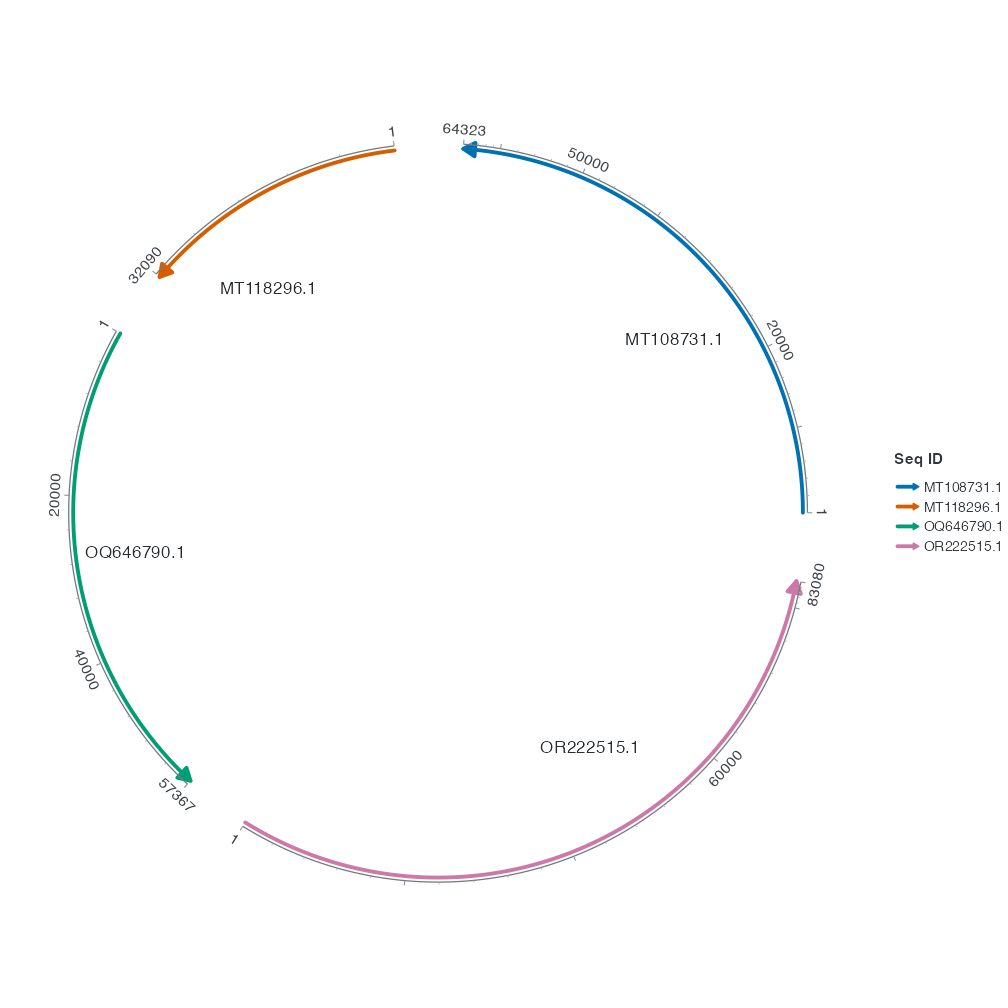
seq_label_radius = 0.7 places each label at 70% of its backbone’s radius. Compare with the default plot. The labels sit farther from the ticks. Text follows the arc by default. seq_label_orientation = "horizontal" makes all four names horizontal. Change one setting at a time to separate their effects.
2 Label one CDS
R · Example code
chord_genes_example <- subset(gene_data_example, accver == "OQ646790.1" & start == 43765)
chord_genes_example$strand <- chord_genes_example$source_strand
p_chord_gene_labels <- p_chord_feature +
geom_gene_label(data = chord_genes_example, label_radial_offset = 0.10)
view_ggchord(p_chord_gene_labels, width = 7, height = 7, units = "in")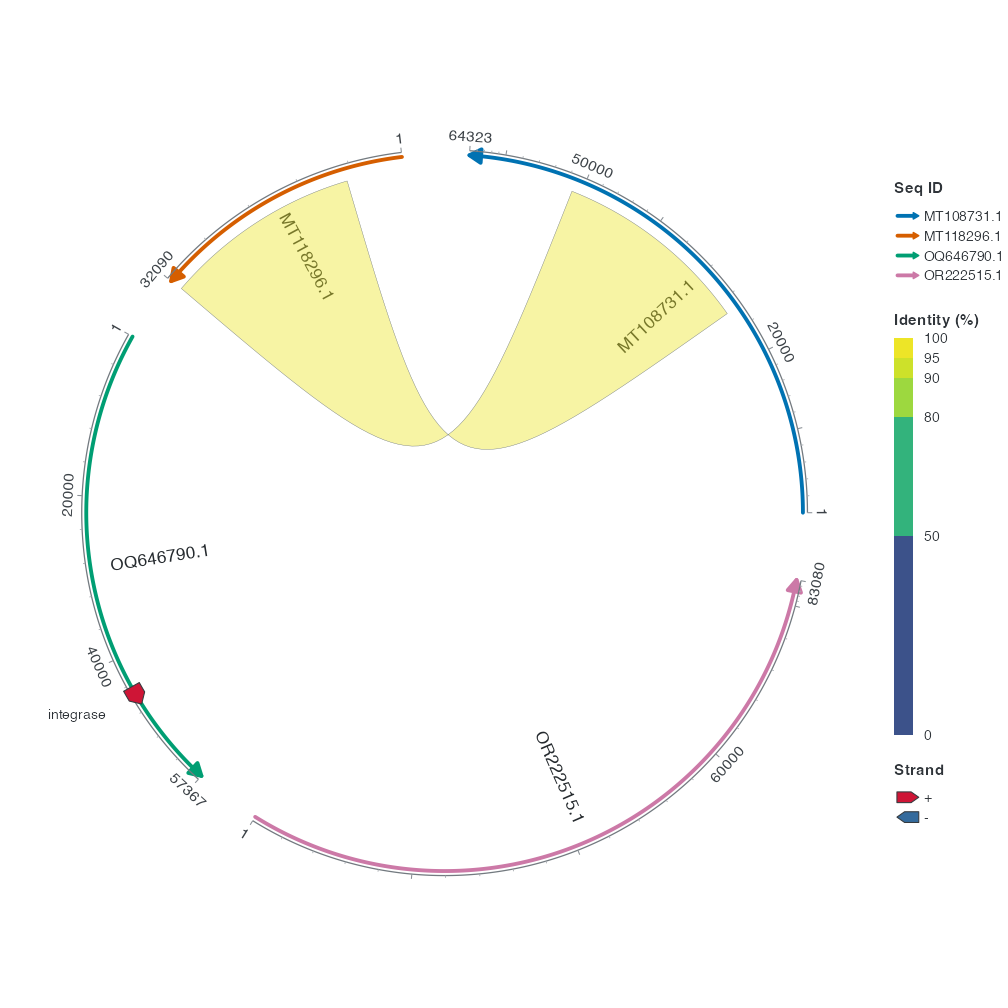
Find the red integrase arrow on the green OQ646790.1 backbone. The new label comes from anno. Here, label_radial_offset = 0.10 puts a little more radial distance between the text and arrow. When several annotations are close together, use geom_gene_label_repel() to spread their text. See dense labels.
Continue to the four-sequence case study to combine these adjustments.
3 Sequence text orientation, rotation and alignment
Use the same four complete sequences, changing only orientation or extra rotation. Arc rotates whole text along the local tangent rather than placing individual letters on an arc. Horizontal keeps text horizontal with outward justification and ignores extra seq_label_rotation. Radius defaults to 1, rotation to NULL (0), hjust/vjust to NULL resolved by orientation, and check_overlap to FALSE. Explicit radius is invalid in collinear mode. Labels overrides text, not accver. Change hjust or vjust individually and inspect at fixed dimensions.
R · Example code
library(ggchord)
library(dplyr)
finish_seqs <- seq_data_example[c("accver", "length")]
finish_chord <- ggchord(finish_seqs) + geom_seq() + coord_chord(rotation = 0)
finish_region <- ribbon_data_example |>
slice_head(n = 1) |>
transmute(accver = qaccver, start = pmin(qstart, qend), end = pmax(qstart, qend))R · Example code
p_compareseqlabelarc <- finish_chord + geom_seq_label(seq_label_orientation = "arc")
view_ggchord(p_compareseqlabelarc, width = 9, height = 7, units = "in")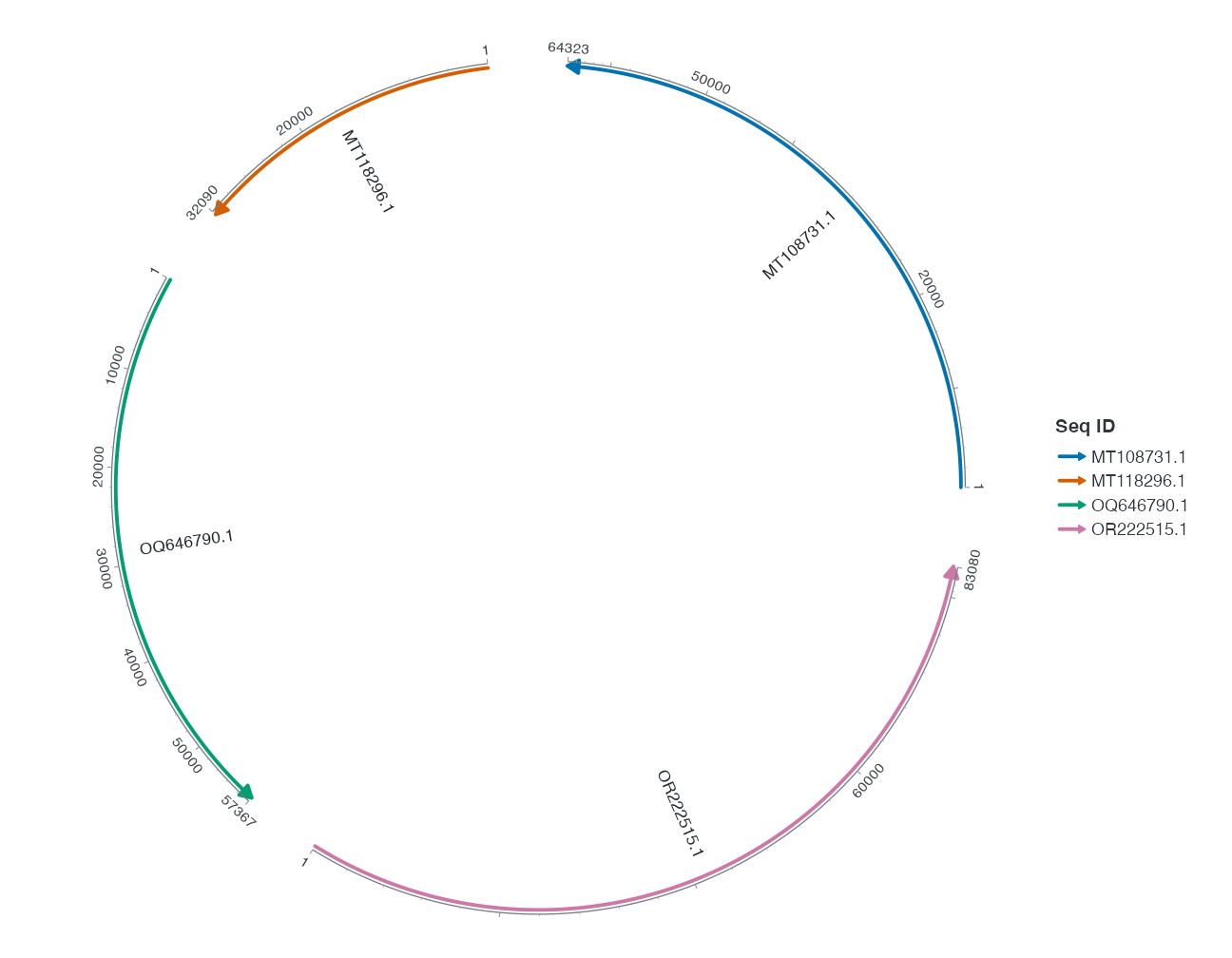
R · Example code
p_compareseqlabelhorizontal <- finish_chord + geom_seq_label(seq_label_orientation = "horizontal")
view_ggchord(p_compareseqlabelhorizontal, width = 9, height = 7, units = "in")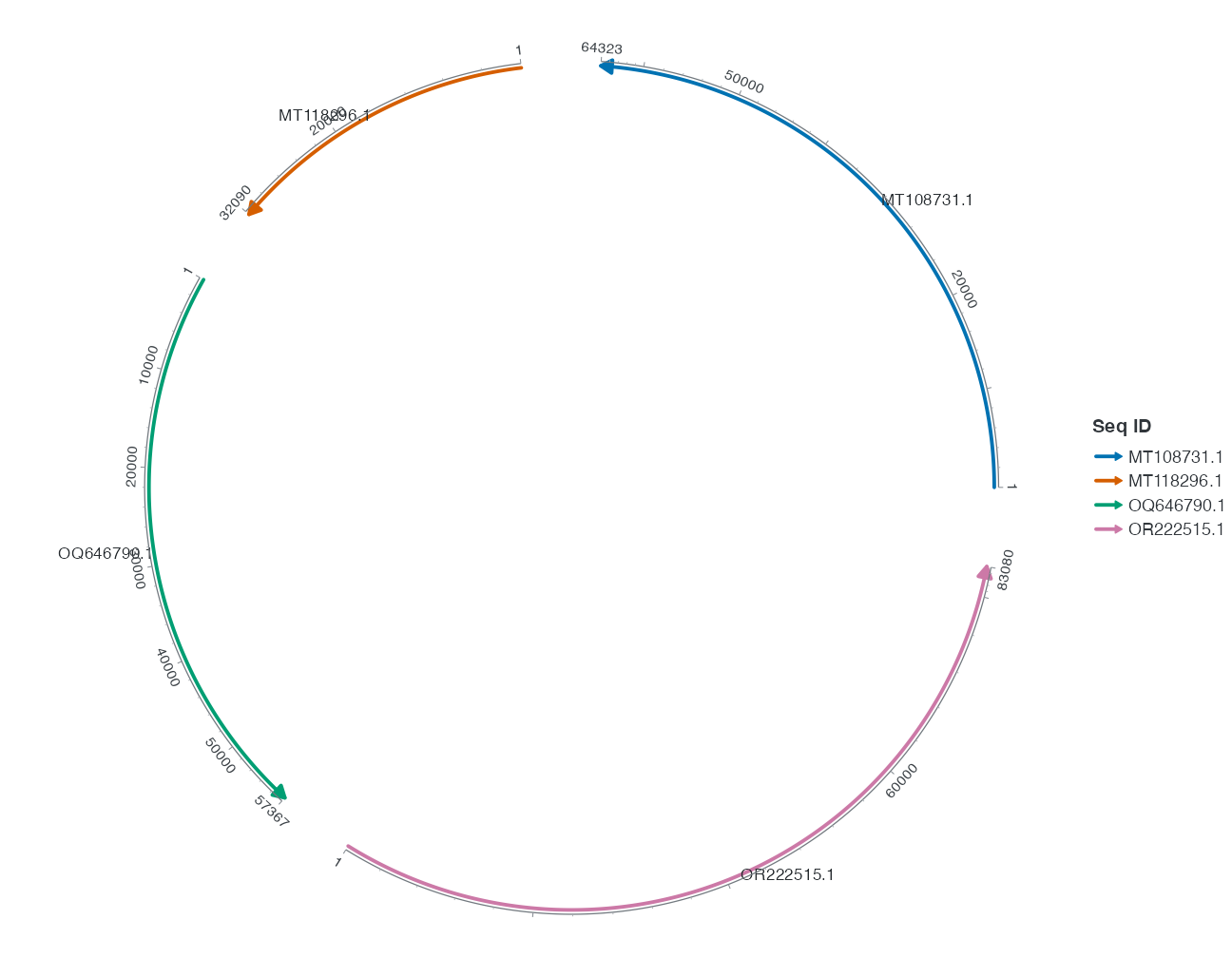
R · Example code
p_compareseqlabelrotation <- finish_chord + geom_seq_label(seq_label_orientation = "arc", seq_label_rotation = 30)
view_ggchord(p_compareseqlabelrotation, width = 9, height = 7, units = "in")