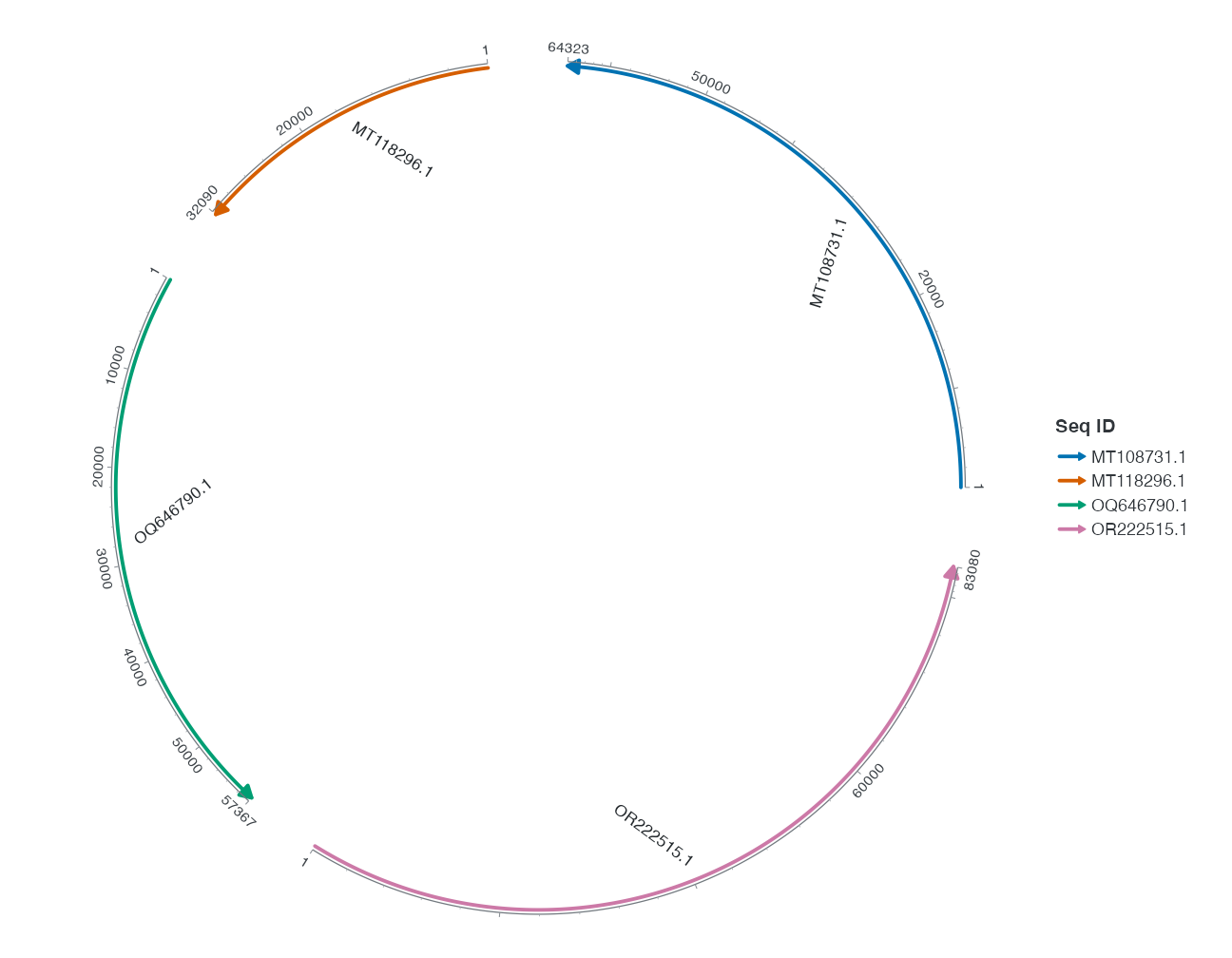
章节与参考
模块一 · 多序列关系 · 第 6 节,共 16 节
1.5 序列名与特征标签
下载 R 脚本包含本页准备与全部步骤。文件示例须先下载输入;预览和保存调用保留。
准备数据与配置(展开)
R · 示例代码
p_chord_backbone <- ggchord(seq_data = seq_data_example) +
geom_seq() +
geom_seq_label() +
coord_chord()R · 示例代码
chord_links <- head(ribbon_data_example, 1)R · 示例代码
p_chord_ribbon <- p_chord_backbone +
geom_link_ribbon(data = chord_links)R · 示例代码
chord_genes_example <- subset(gene_data_example, accver == "OQ646790.1" & start == 43765)
chord_genes_example$strand <- chord_genes_example$source_strandR · 示例代码
p_chord_feature <- p_chord_ribbon +
geom_gene(data = chord_genes_example)序列名用来识别整条骨架,基因名用来识别一个区间。两个标签层可以分别调整。
1 把序列名放到内侧
R · 示例代码
p_chord_sequence_labels <- ggchord(seq_data = seq_data_example) +
geom_seq() +
geom_seq_label(seq_label_radius = 0.7, seq_label_orientation = "horizontal") +
coord_chord()
view_ggchord(p_chord_sequence_labels, width = 7, height = 7, units = "in")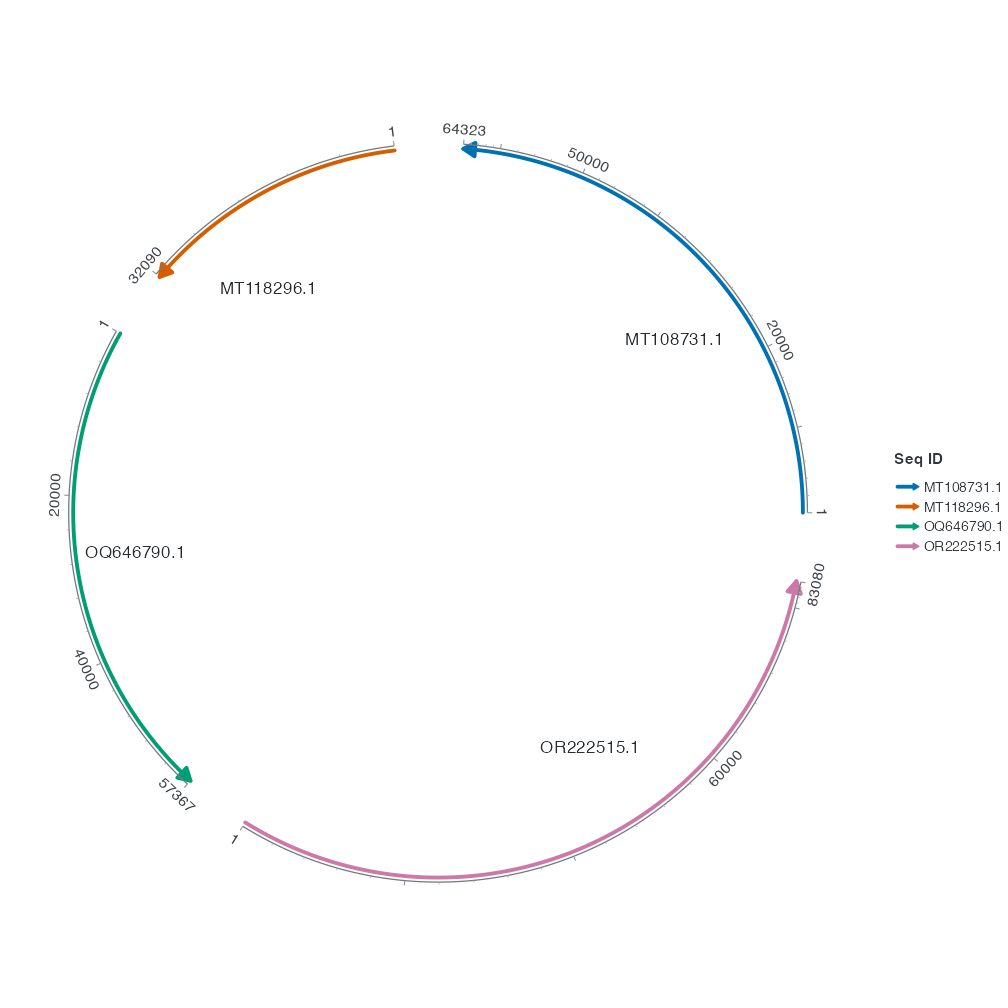
seq_label_radius = 0.7 把文字放到对应骨架半径的 70% 处。和默认图比,标签离刻度更远。默认文字沿弧转动,seq_label_orientation = "horizontal" 让四条序列名都横排。若想分辨两项设置的作用,每次只改一项。
2 标注一个 CDS
R · 示例代码
chord_genes_example <- subset(gene_data_example, accver == "OQ646790.1" & start == 43765)
chord_genes_example$strand <- chord_genes_example$source_strand
p_chord_gene_labels <- p_chord_feature +
geom_gene_label(data = chord_genes_example, label_radial_offset = 0.10)
view_ggchord(p_chord_gene_labels, width = 7, height = 7, units = "in")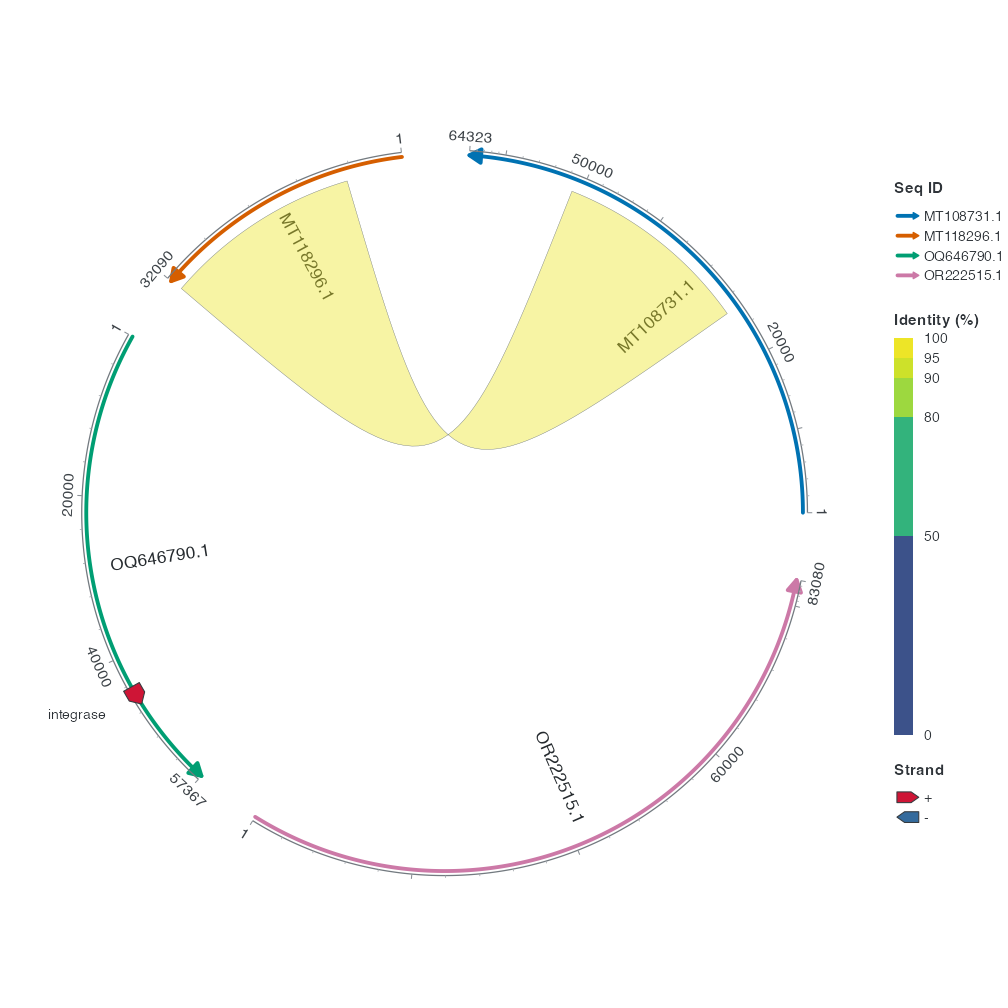
在绿色的 OQ646790.1 骨架上找到红色 integrase 箭头。新标签取自 anno。这里用 label_radial_offset = 0.10 给文字多留一点径向距离,方便把它与箭头区分开。多个注释相邻时,可用 geom_gene_label_repel() 分散文字,参见密集标签。
继续看四序列综合案例,把这些调整合在一起。
3 序列文字方向、旋转与对齐
三图使用同四条完整序列,只改方向或额外旋转。arc 是整段文字沿局部切线旋转,不是逐字沿弧排版;horizontal 保持横排并自动选择向外对齐,此时额外 seq_label_rotation 被忽略。seq_label_radius 默认 1,seq_label_rotation 默认 NULL(0),hjust/vjust 默认 NULL 并按方向解析,check_overlap 默认 FALSE。显式半径不适用于共线性图;labels 可覆盖文字但不改 accver。需要手动对齐时只调整 hjust 或 vjust,再在相同尺寸检查遮挡。
R · 示例代码
library(ggchord)
library(dplyr)
finish_seqs <- seq_data_example[c("accver", "length")]
finish_chord <- ggchord(finish_seqs) + geom_seq() + coord_chord(rotation = 0)
finish_region <- ribbon_data_example |>
slice_head(n = 1) |>
transmute(accver = qaccver, start = pmin(qstart, qend), end = pmax(qstart, qend))R · 示例代码
p_compareseqlabelarc <- finish_chord + geom_seq_label(seq_label_orientation = "arc")
view_ggchord(p_compareseqlabelarc, width = 9, height = 7, units = "in")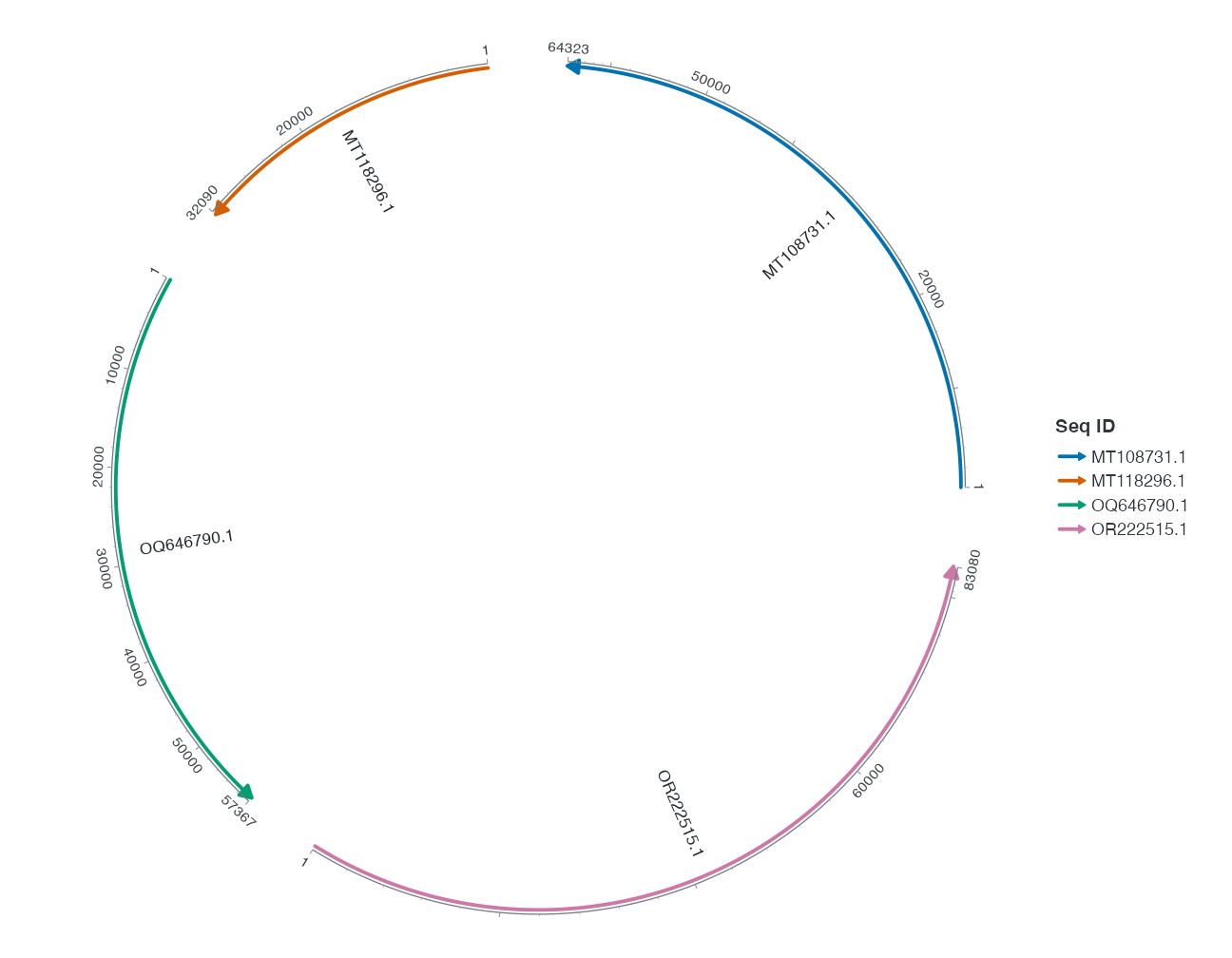
R · 示例代码
p_compareseqlabelhorizontal <- finish_chord + geom_seq_label(seq_label_orientation = "horizontal")
view_ggchord(p_compareseqlabelhorizontal, width = 9, height = 7, units = "in")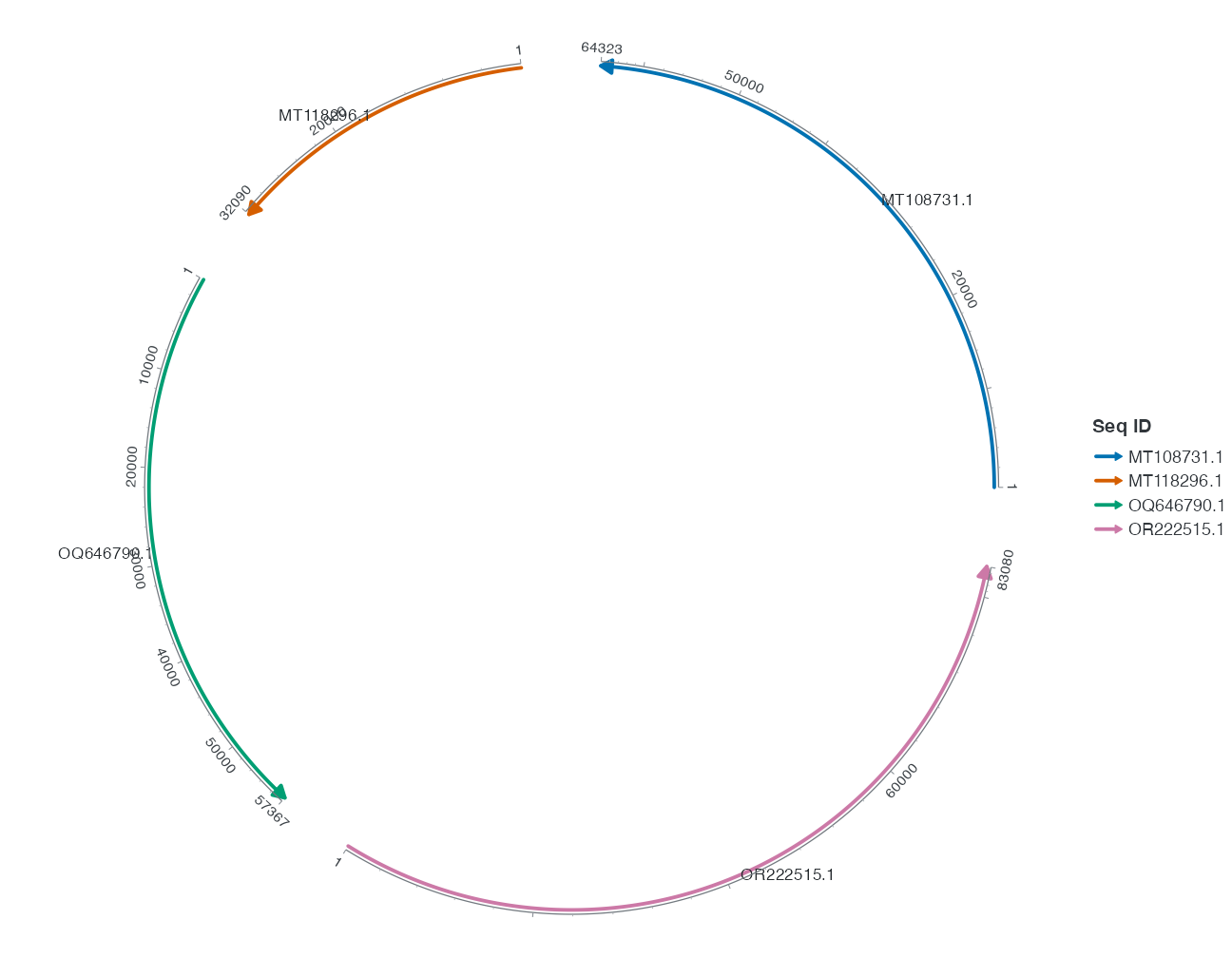
R · 示例代码
p_compareseqlabelrotation <- finish_chord + geom_seq_label(seq_label_orientation = "arc", seq_label_rotation = 30)
view_ggchord(p_compareseqlabelrotation, width = 9, height = 7, units = "in")