Chapters and reference
Module II · Single-sequence circular maps · Section 8 of 12
2.7 Primer recognition, arcs and labels
On this page
Identify binding intervals on actual DNA before choosing arc and label placement. Computational matches are not wet-lab validation, and catalogue direction hints do not determine the binding strand on the target.
1 Catalogue, search and actual input
Independently load pUC19 and retain the first three exact universal-catalogue hits for clear display. Results retain primer name, oligonucleotide, one-based interval, strand, match method and uniqueness. Select after searching; absence from this display subset is not absence from the full result.
R · Example code
finish_primers <- head(find_primer_bindings(finish_dna, set = "universal"), 3)| name | start | end | strand | match_type |
|---|---|---|---|---|
| M13/pUC Reverse | 478 | 500 | - | exact |
| M13 Reverse | 465 | 481 | - | exact |
| M13/pUC Forward | 364 | 386 | + | exact |
2 Primer arc placement and width
Default between follows the backbone centre line. Outside/inside use arc_offset (default 0.045) along the local normal. The between/outside/inside examples change only side. The wider-arc example returns to between and changes only arc_linewidth from 0.026 to 0.05. This local geometry width is not bp or text size.
R · Example code
p_compareprimerbetween <- finish_recognition_base +
  geom_primer(data = finish_primers, side = "between")
view_ggchord(p_compareprimerbetween, width = 9, height = 8, units = "in")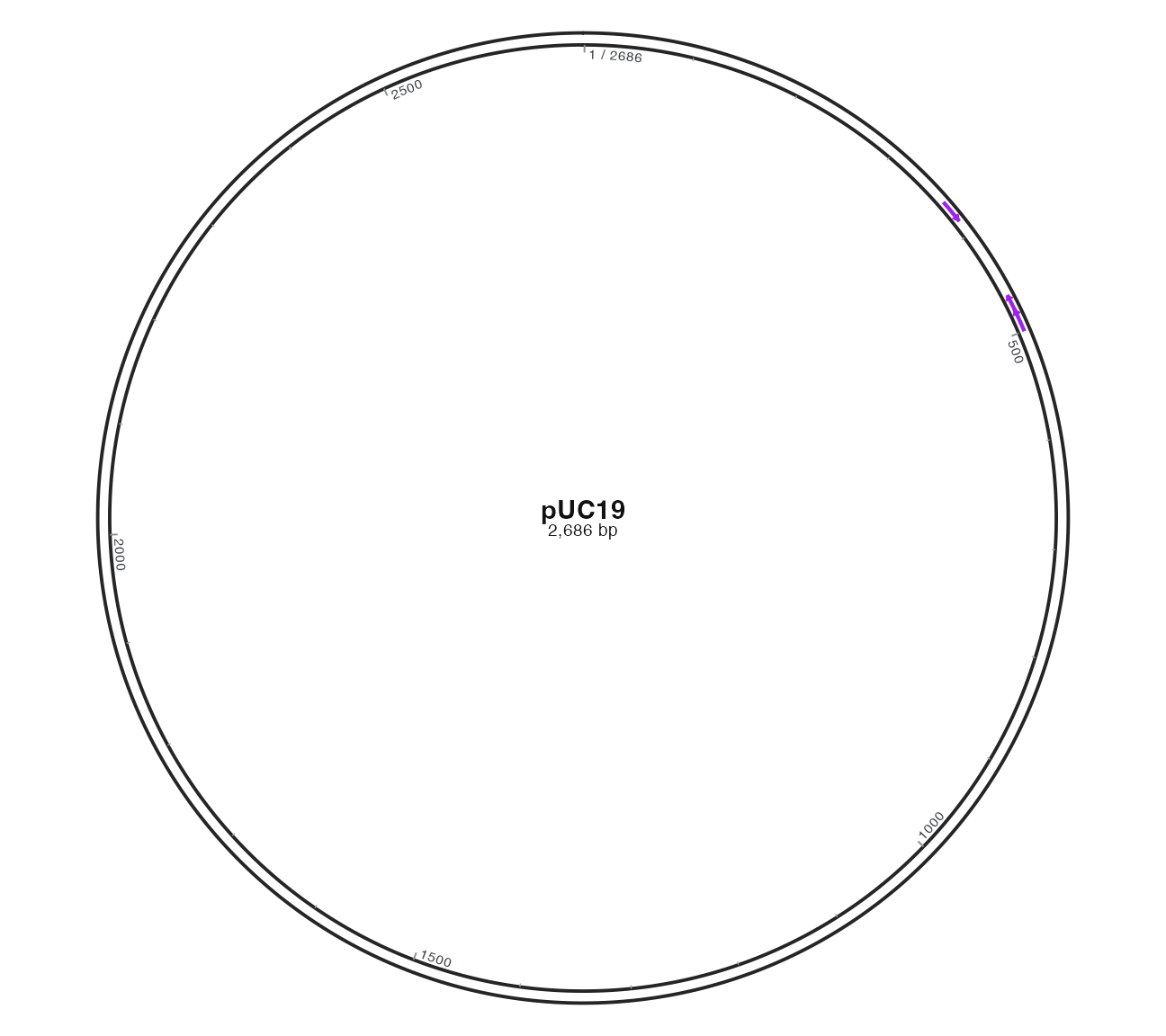
R · Example code
p_compareprimeroutside <- finish_recognition_base +
  geom_primer(data = finish_primers, side = "outside")
view_ggchord(p_compareprimeroutside, width = 9, height = 8, units = "in")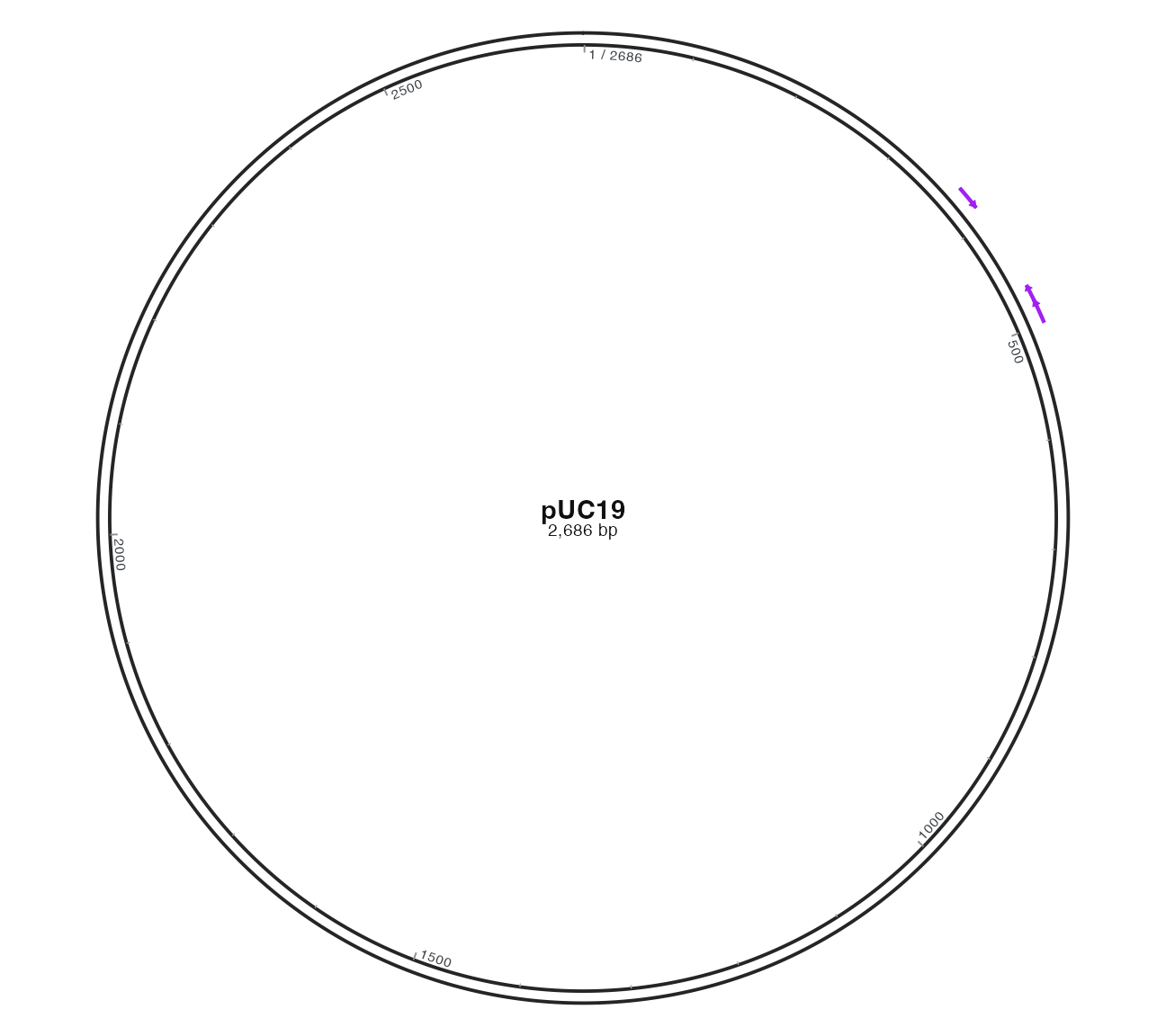
Relative to outside placement, change only arc_offset from 0.045 to 0.09:
R · Example code
p_compareprimeroffset <- finish_recognition_base +
  geom_primer(data = finish_primers, side = "outside", arc_offset = 0.09)
view_ggchord(p_compareprimeroffset, width = 9, height = 8, units = "in")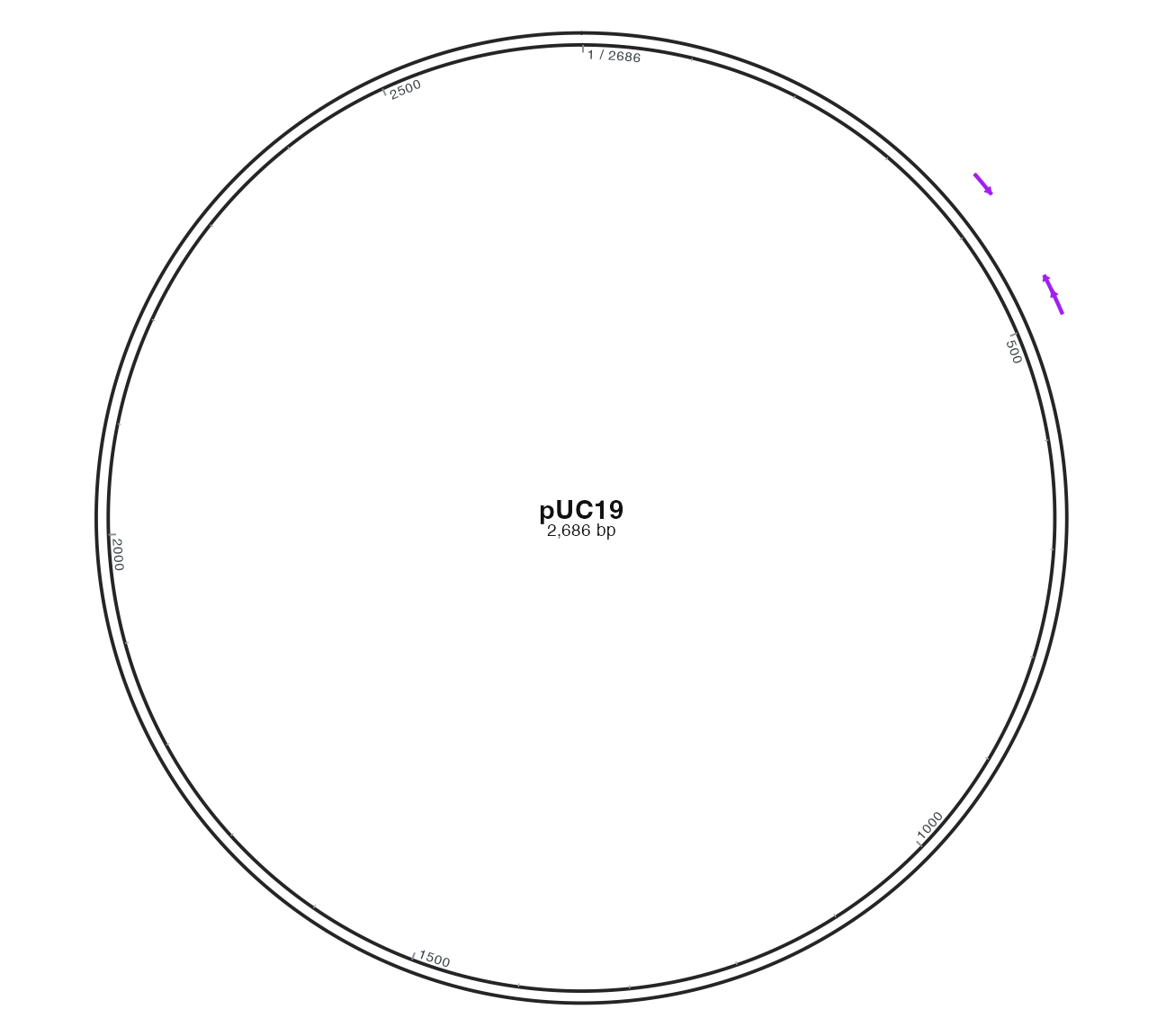
R · Example code
p_compareprimerinside <- finish_recognition_base +
  geom_primer(data = finish_primers, side = "inside")
view_ggchord(p_compareprimerinside, width = 9, height = 8, units = "in")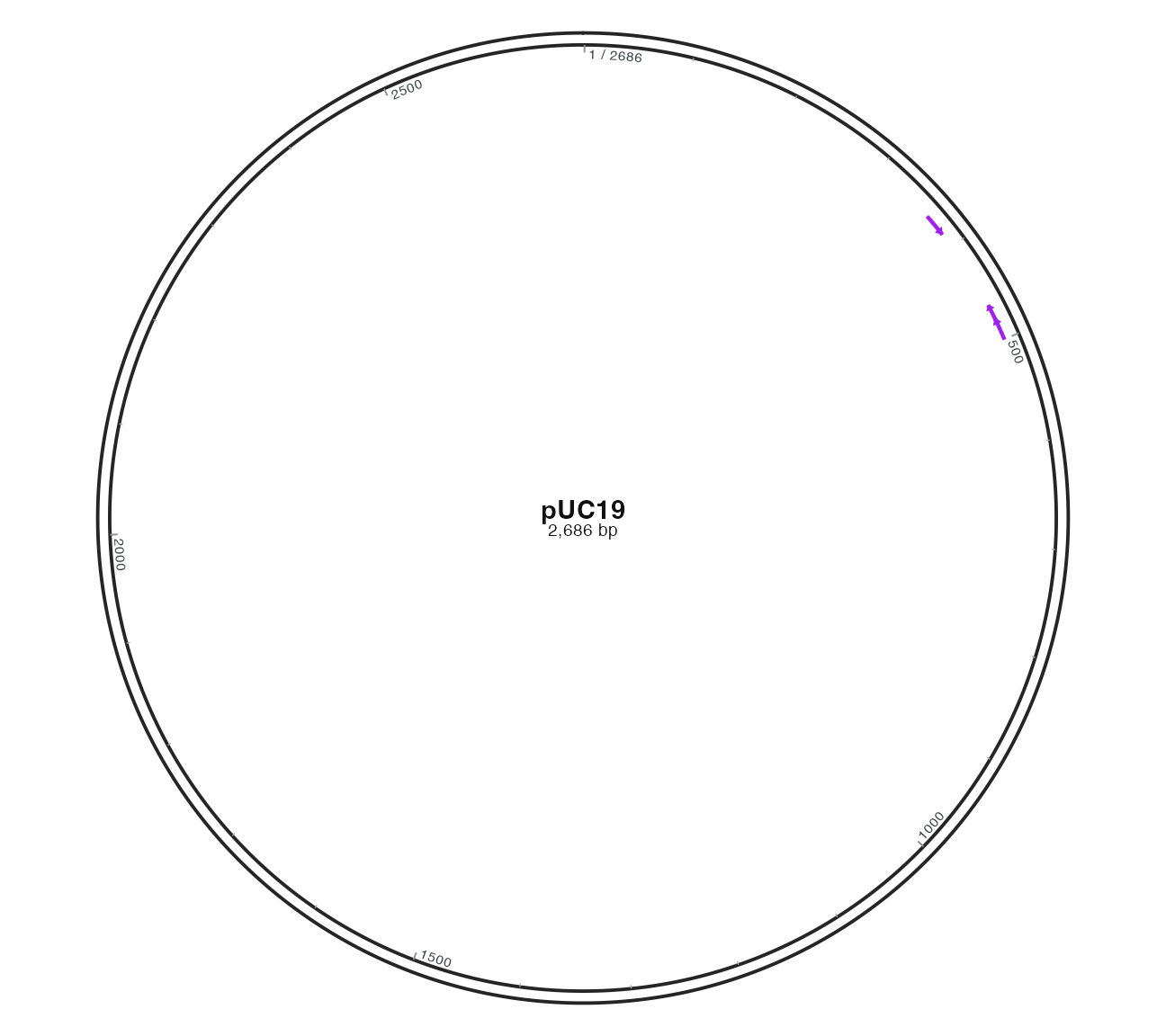
R · Example code
p_compareprimerwidth <- finish_recognition_base +
  geom_primer(data = finish_primers, side = "between", arc_linewidth = 0.05)
view_ggchord(p_compareprimerwidth, width = 9, height = 8, units = "in")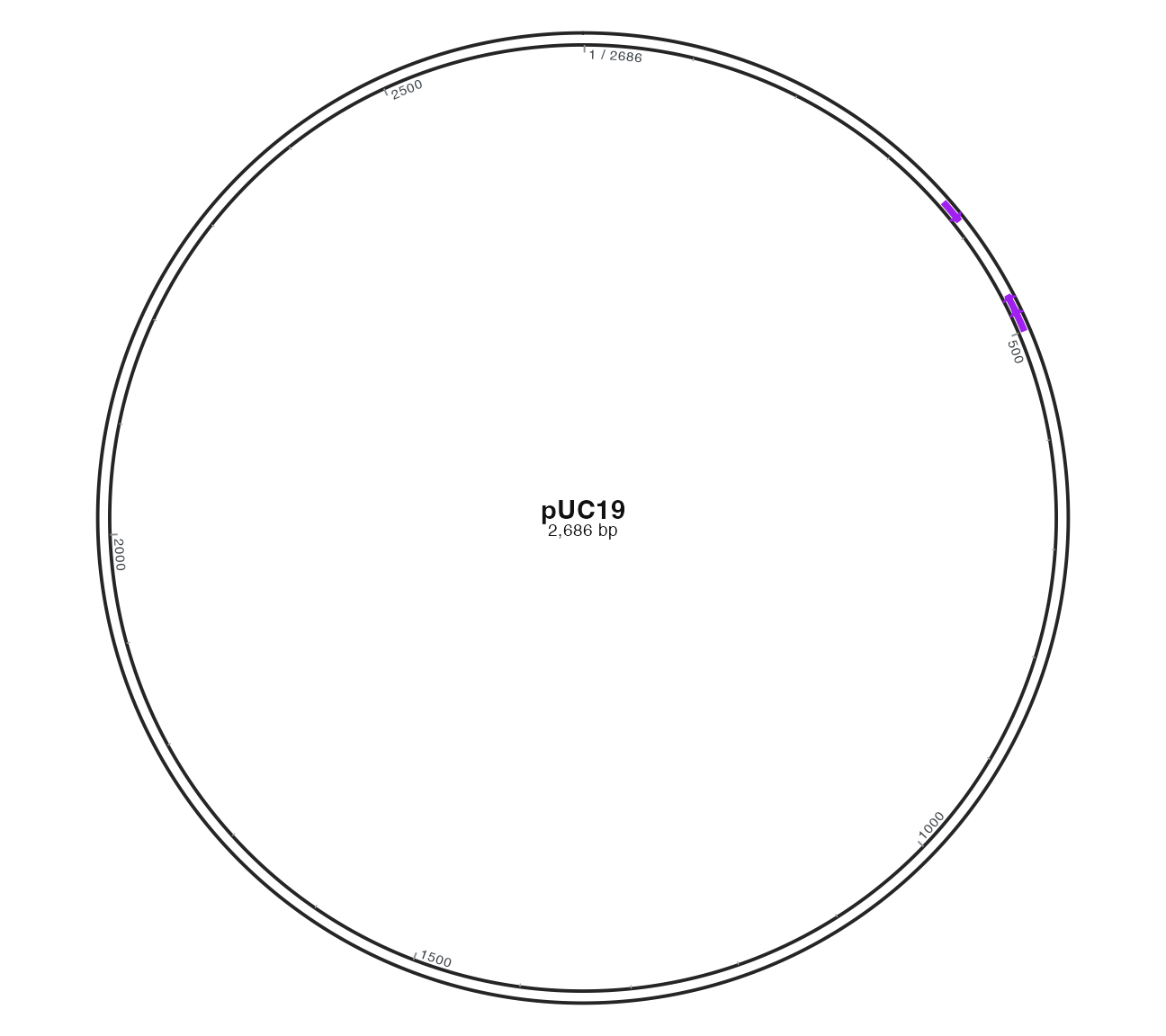
3 Primer names, range text and side
Labels default to outside with show_location=TRUE; leaders originate at the directional arc’s 3′ tip. Compare baseline with only location text hidden, or only side changed to inside. Hiding text does not shorten binding intervals. Interior text can overlap other features; default max_overlaps=Inf does not guarantee collision-free mixed layers.
R · Example code
p_compareprimerlabel <- finish_recognition_base +
  geom_primer(data = finish_primers) +
  geom_primer_label_repel(data = finish_primers, side = "outside")
view_ggchord(p_compareprimerlabel, width = 9, height = 8, units = "in")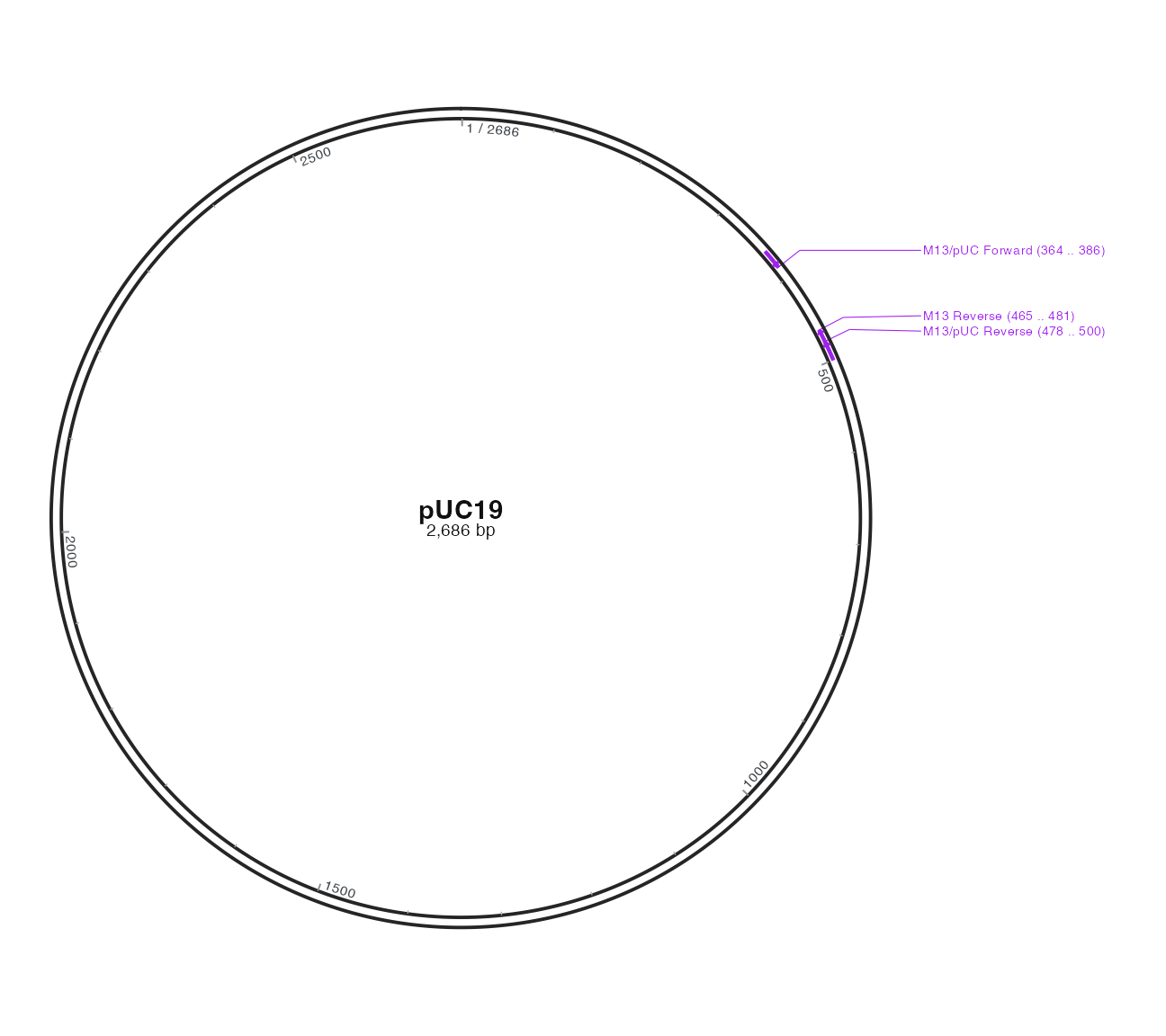
R · Example code
p_compareprimernolocation <- finish_recognition_base +
  geom_primer(data = finish_primers) +
  geom_primer_label_repel(data = finish_primers, side = "outside", show_location = FALSE)
view_ggchord(p_compareprimernolocation, width = 9, height = 8, units = "in")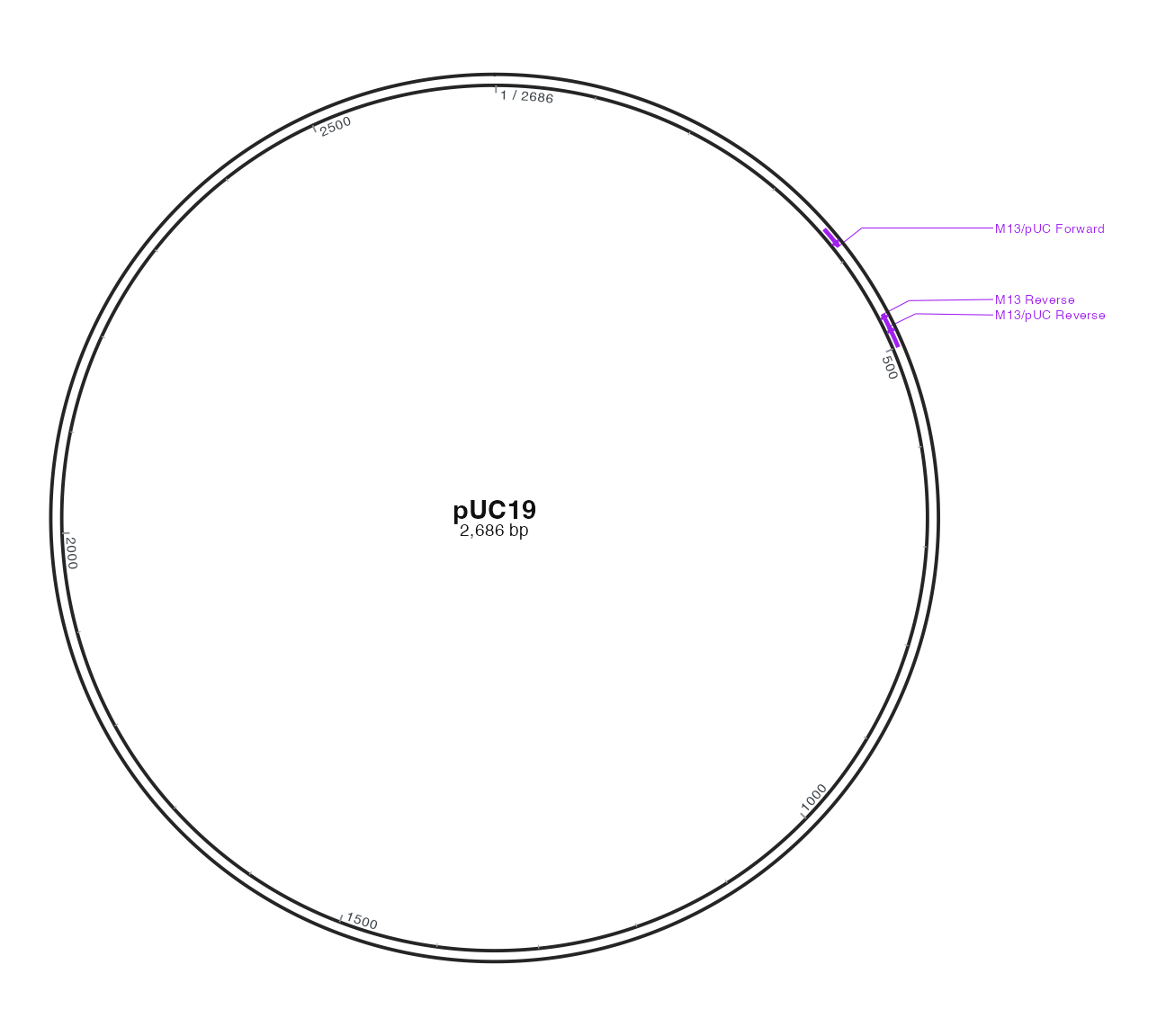
R · Example code
p_compareprimerlabelinside <- finish_recognition_base +
  geom_primer(data = finish_primers) +
  geom_primer_label_repel(data = finish_primers, side = "inside")
view_ggchord(p_compareprimerlabelinside, width = 9, height = 8, units = "in")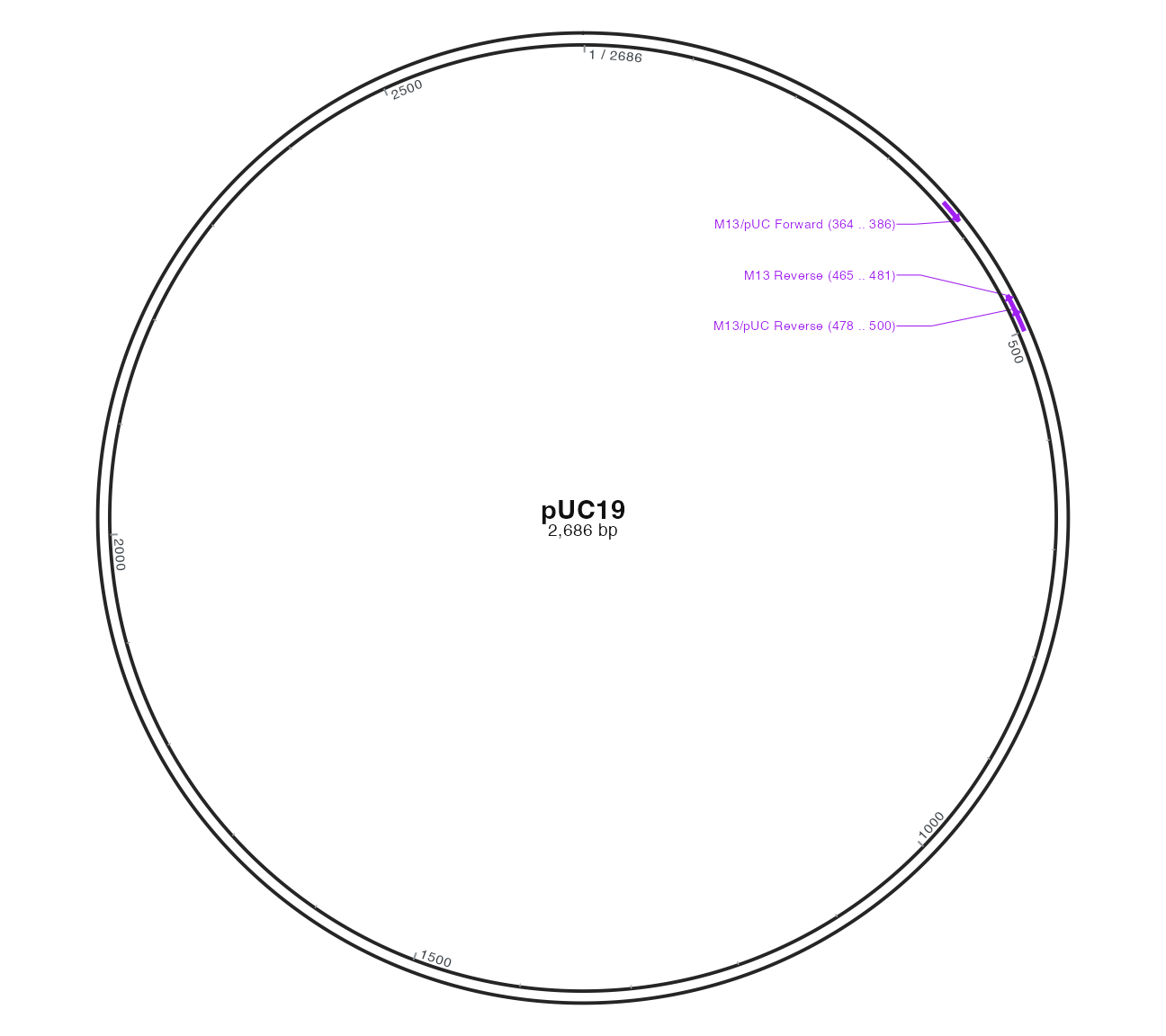
4 Search versus drawing choices
primer_catalog(set="all", aliases=FALSE) returns deduplicated oligonucleotides; universal selects common records and aliases=TRUE shows source names for shared sequences. find_primer_bindings() computes matches on DNA; circular searches include origin-spanning matches, while linear targets need circular=FALSE. Exact three_prime suffix matching is not a general mismatch thermodynamic model. Wallace temperature is a composition-based heuristic.
Primer geometry defaults: colour=#A020F0, side=between, arc_offset=0.045, arc_linewidth=0.026. Text defaults: side=outside, show_location=TRUE, max_overlaps=Inf. Both require the same target sequence; renaming accver does not transfer bindings to another DNA. Use single circular mode; aa inputs reject nucleotide-only layers.
5 Practice and your primers
Change only arc_offset, then return to defaults and hide location text. Provide actual oligonucleotides and names, inspect match fields before selecting displayed hits. See the parameter atlas for complete current defaults and restriction sites or the full plasmid workflow next.