章节与参考
本页完整说明已译为现代汉语;函数、参数、代码和原始数据标识保留原样。 用法说明

向Fusion添加基因组面板。
用法
R · 示例代码
fusion_panel(
  plot,
  id,
  side = c("right", "top", "left", "bottom"),
  size = NULL,
  box = NULL,
  angle = NULL,
  distance = NULL
)
参数
- plot
独立ggchord基因组图、另一张Fusion,或来自
register_ggchord_alignment()的Cartesian细节图。Dotplot、分面和未注册的外部ggplot当前尚未接入。字符面板的跨面板连接须明确fill,不能使用骨架颜色渐变。- id
唯一的非空面板名称;
"center"为保留名称。- side
right、top、left、bottom、topright、topleft、bottomright 或 bottomleft(每个命名方向一个面板);auto 表示有界顺时针外围布局,可容纳画布允许的任意数量独立面板。auto 保留显式尺寸和全部固定分配;未锁定的默认容器可适配,最低15毫米。摆放不缩放字体、不旋转子图 Coord。找不到可行位置时明确失败。
- size
可选宽高比例。超出画布的分配报错;重叠默认报错,只有组合对象显式允许时才接受。
- box
可选显式矩形(xmin、xmax、ymin、ymax),可按任意顺序命名。数值为扣除原生外层图形装饰和 Guide 后内容区的比例;绝对 grid 单位在同一坐标框内保留物理尺寸。与 side/size/angle/distance 互斥,构建时检查超界。
- angle
替代side的有限角度,以右侧为0度、逆时针为正。不旋转子图或文字。
- distance
以中心分配区域为起点的正径向距离,单位为分配区域较短物理边一半的比例,默认.8。矩形画布上的角度也保持真实物理方向;区域必须可容纳,不暗中夹紧。
返回值
供ggchord_fusion()使用的组件。
示例
R · 示例代码
data(seq_data_example)
p <- ggchord(seq_data_example) + geom_seq()
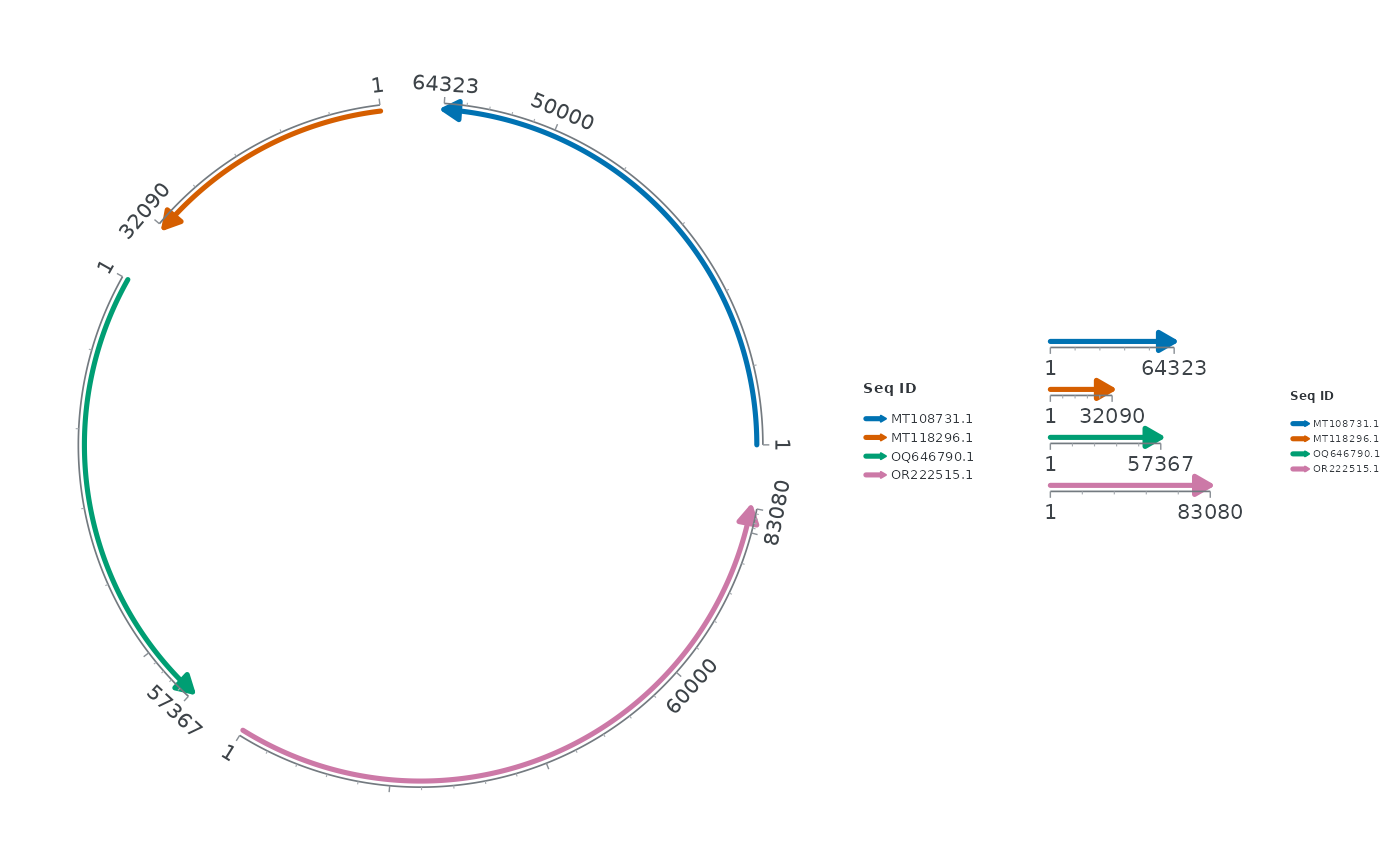
ggchord_fusion(p) + fusion_panel(p + coord_collinear(), "right")
 # \donttest{
quiet <- p + theme(legend.position = "none")
ggchord_fusion(quiet) +
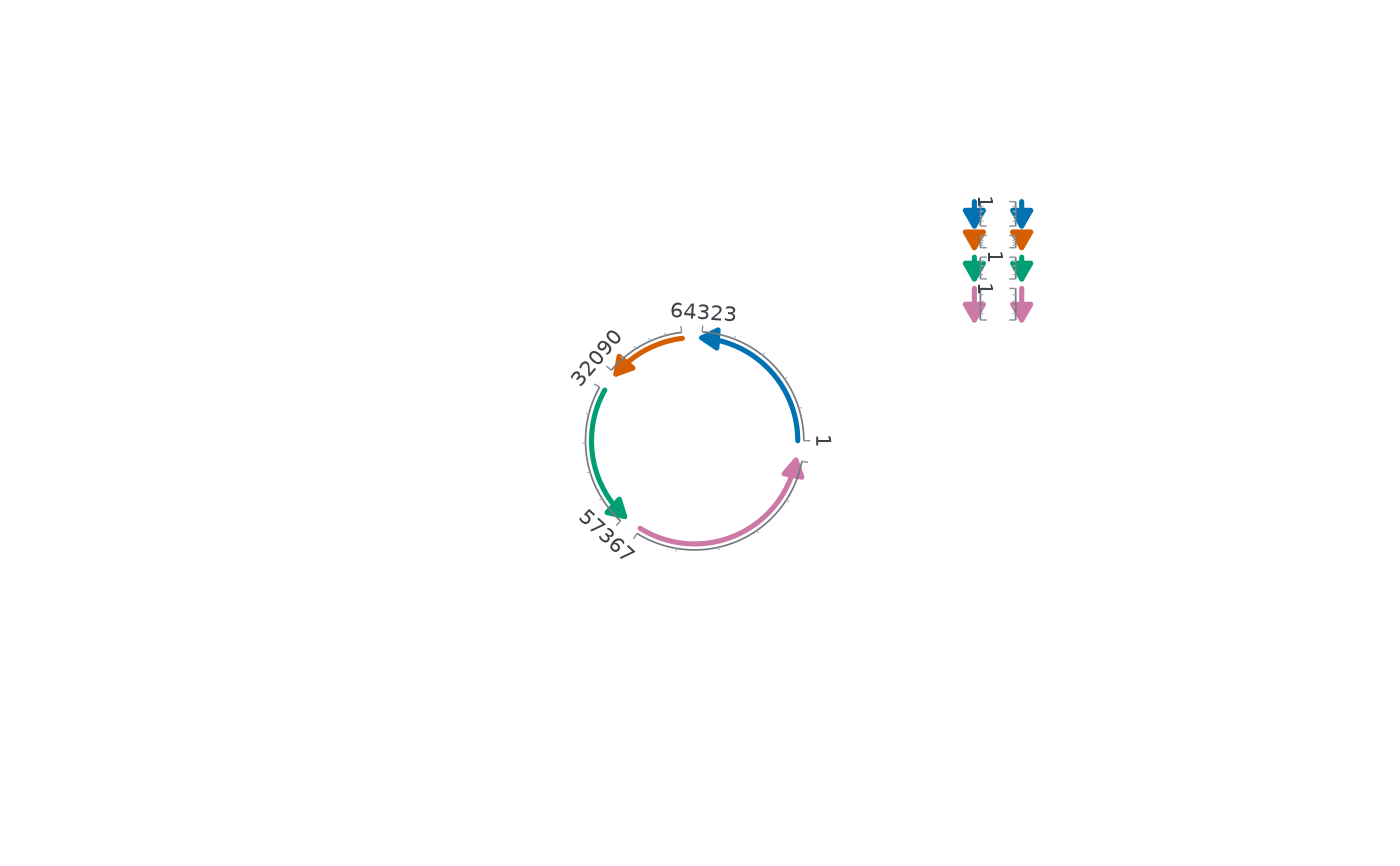
fusion_panel(quiet + coord_sankey(), "mirror", angle = 31, distance = .8)
#> Warning: ggchord(): physical geometry did not converge within the bounded refinement budget; geometry measurements remain estimates. Inspect diagnose_ggchord() and consider a larger canvas or revised label/guide settings.
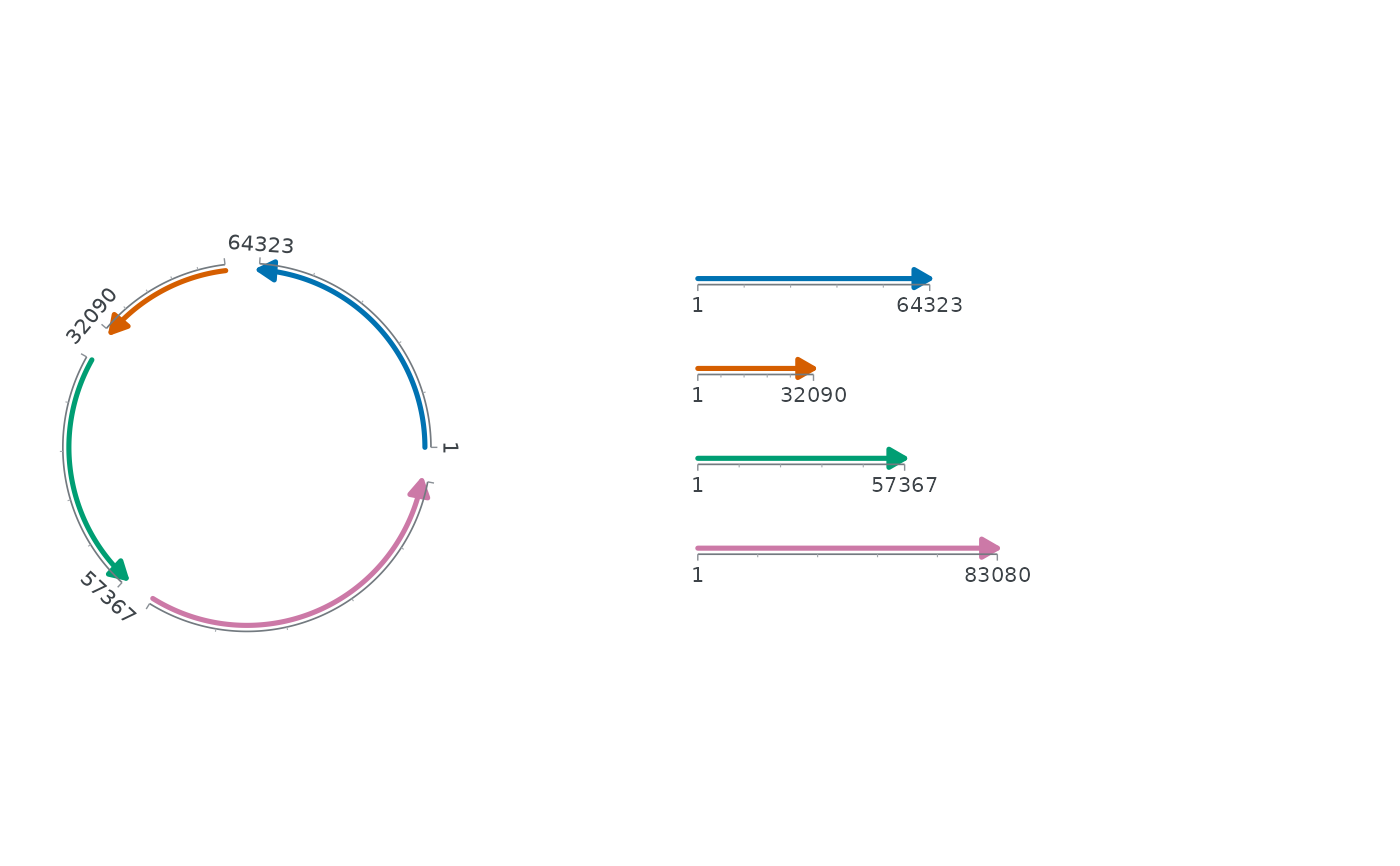
 ggchord_fusion(quiet, center_box = c(.02, .35, .2, .8), allow_overlap = TRUE) +
fusion_panel(quiet + coord_collinear(), "inset", box = c(.25, .98, .3, .7))
 # }