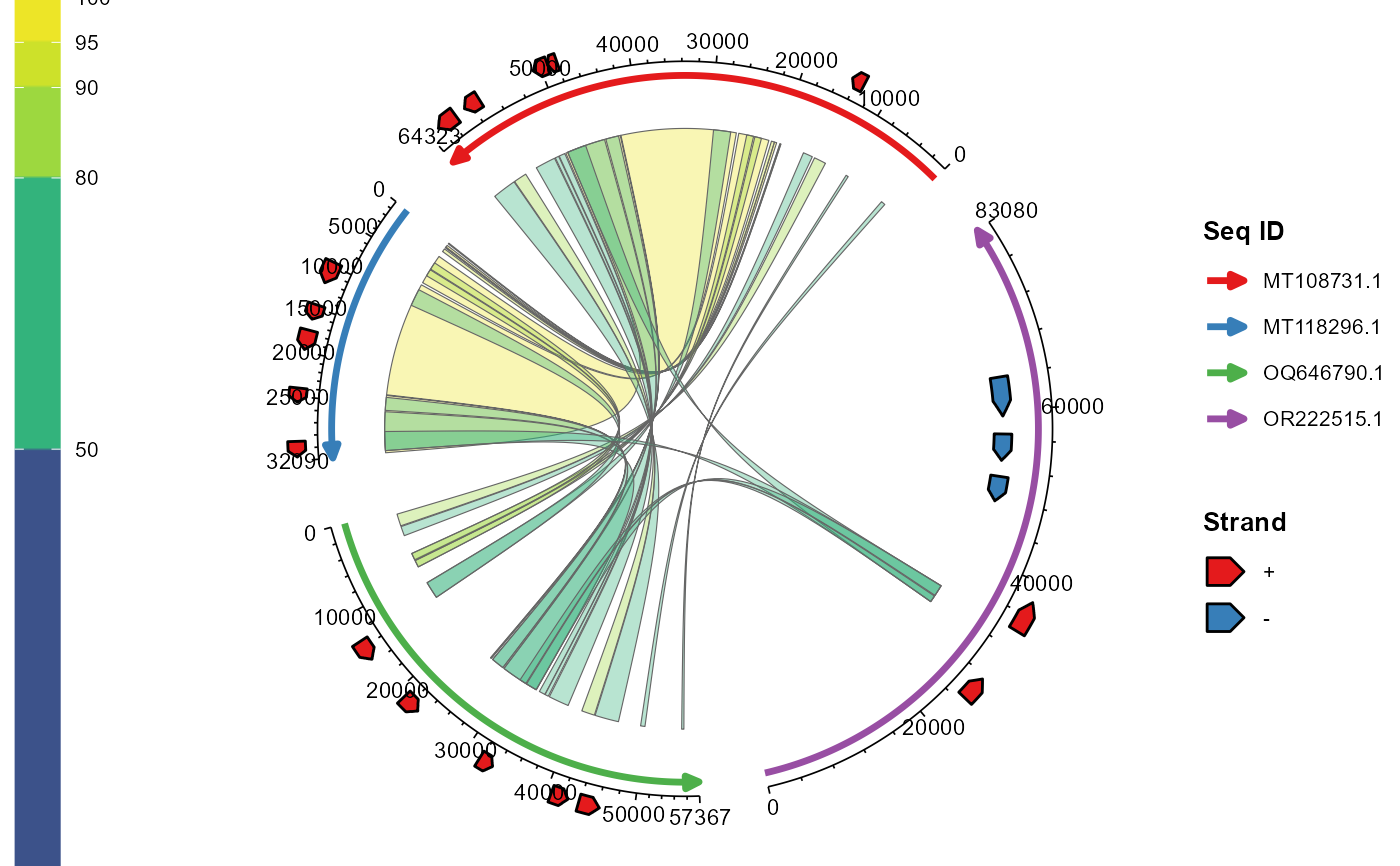
ggchord visualizes multi-sequence alignment results using ggplot2's layered grammar.
The ggchord() constructor handles data validation and global settings;
the geom_* layers are stacked as needed, each responsible for its own layout parameters and visual rendering.
The layout is computed lazily when the plot is built (e.g. via print(),
ggsave(), or ggplot_build()).
Usage
ggchord(
  seq_data,
  ribbon_data = NULL,
  gene_data = NULL,
  title = NULL,
  rotation = 45,
  panel_margin = 0,
  show_legend = TRUE,
  debug = FALSE,
  validate = c("warn", "error", "none")
)
Arguments
- seq_data
data.frame/tibble, required. Basic sequence information
- ribbon_data
data.frame/tibble, optional. Alignment results
- gene_data
data.frame/tibble, optional. Gene annotation data
- title
Character. Main title of the plot, default NULL
- rotation
Numeric. Global rotation angle (degrees), default 45
- panel_margin
Optional numeric/list. Panel margin, default 0
- show_legend
Logical. Whether to show legends, default TRUE
- debug
Logical. Whether to output debug information, default FALSE
- validate
Character, default
"warn". How to run the structured input-data validation (seevalidate_ggchord_data):"warn"emits a single summary warning when the data has problems and caches the full report on the plot object (p$ggchord$validation);"error"stops on severe problems;"none"skips the diagnostic validation (the cheap structural checks that prevent crashes are still performed).